

Description
Download Langmeier Backup – Secure Data Backup Tool for Windows & Mac
Overview
Backing up important files has never been easier than with Langmeier Backup. This robust backup utility gives home users and small‑business owners a reliable way to protect documents, photos, videos, and system files against accidental loss, hardware failure, or ransomware attacks. The program supports a wide range of storage destinations: local external drives, network‑attached storage (NAS), cloud services, and even optical media such as CD, DVD, or Blu‑ray. Its intuitive wizard walks you through every step, from selecting the data you want to safeguard, to choosing a full or incremental backup strategy. Advanced options like encryption, ZIP compression, and automatic shutdown after a backup job add layers of security and convenience. Scheduling capabilities let you automate daily, weekly, or monthly backups, while integrity checking ensures that each backup copy remains usable over time. A built‑in clean‑up wizard removes outdated or duplicate files, freeing up precious disk space. In short, Langmeier Backup combines simplicity with powerful features, making it a go‑to solution for anyone who wants to keep their digital life safe without spending hours configuring complex software.
Key Features of Langmeier Backup
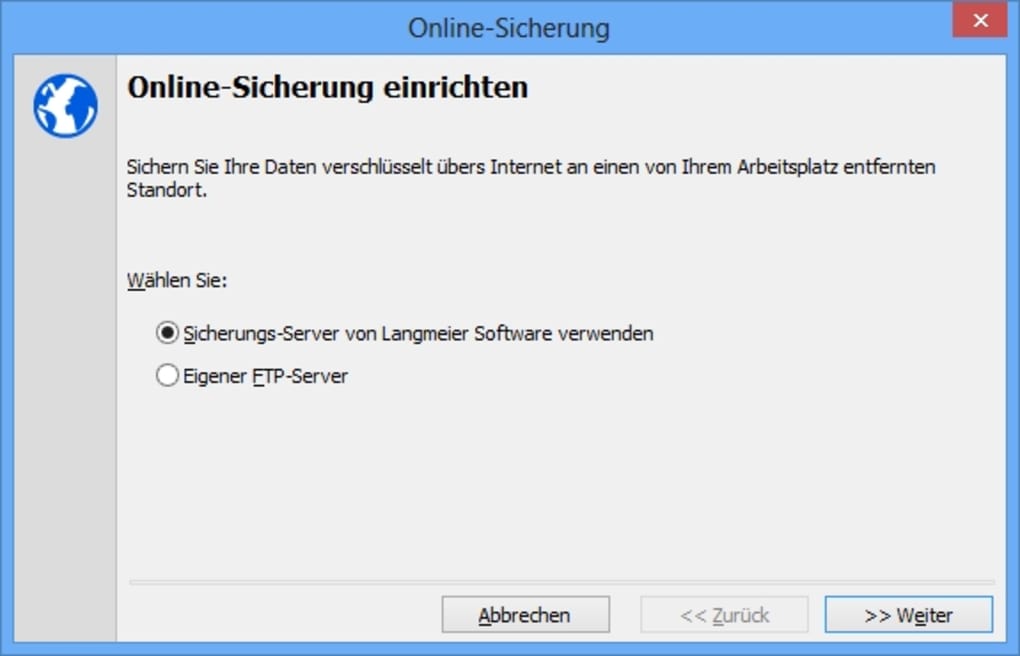
- Multiple Backup Destinations: Save copies locally, on a network drive, in the cloud, or on optical media (CD/DVD/Blu‑ray).
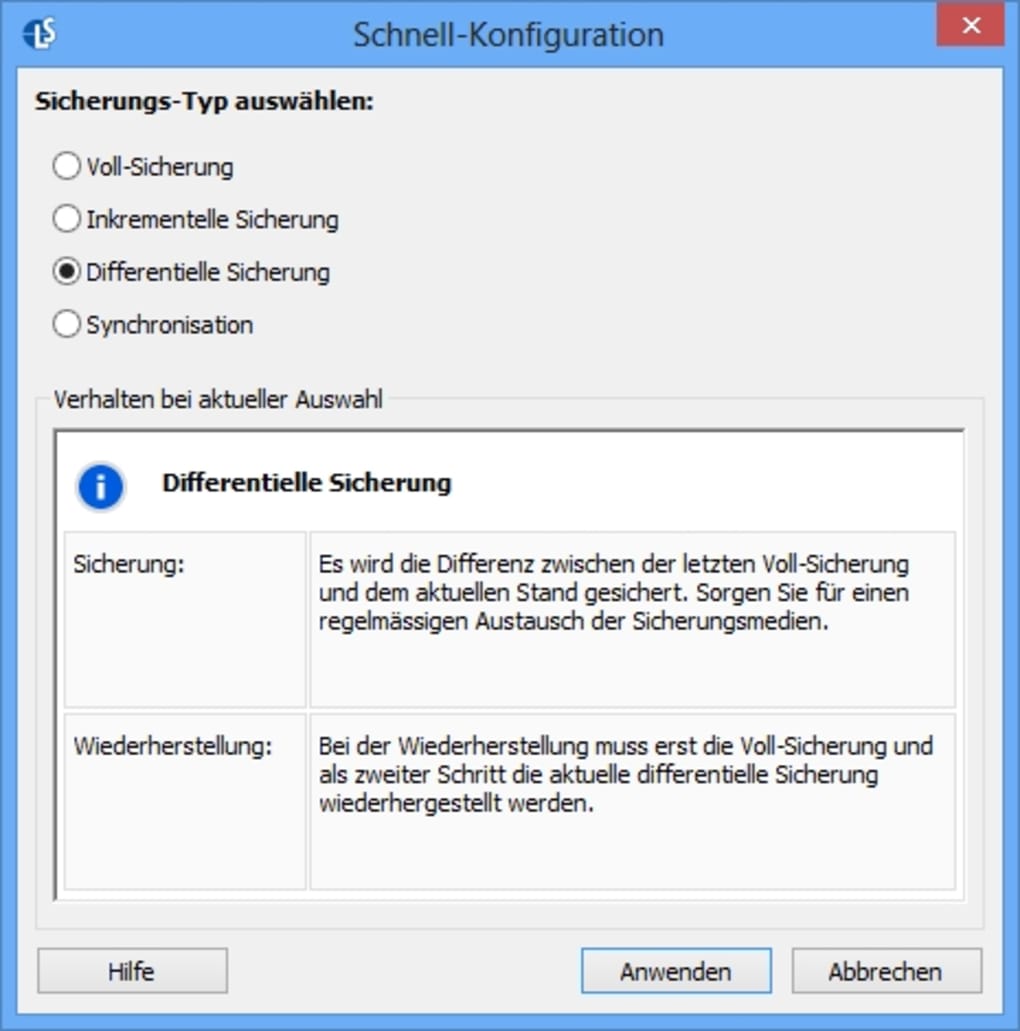
- Full & Incremental Modes: Choose a complete backup for the first run and incremental backups thereafter to store only changed files.
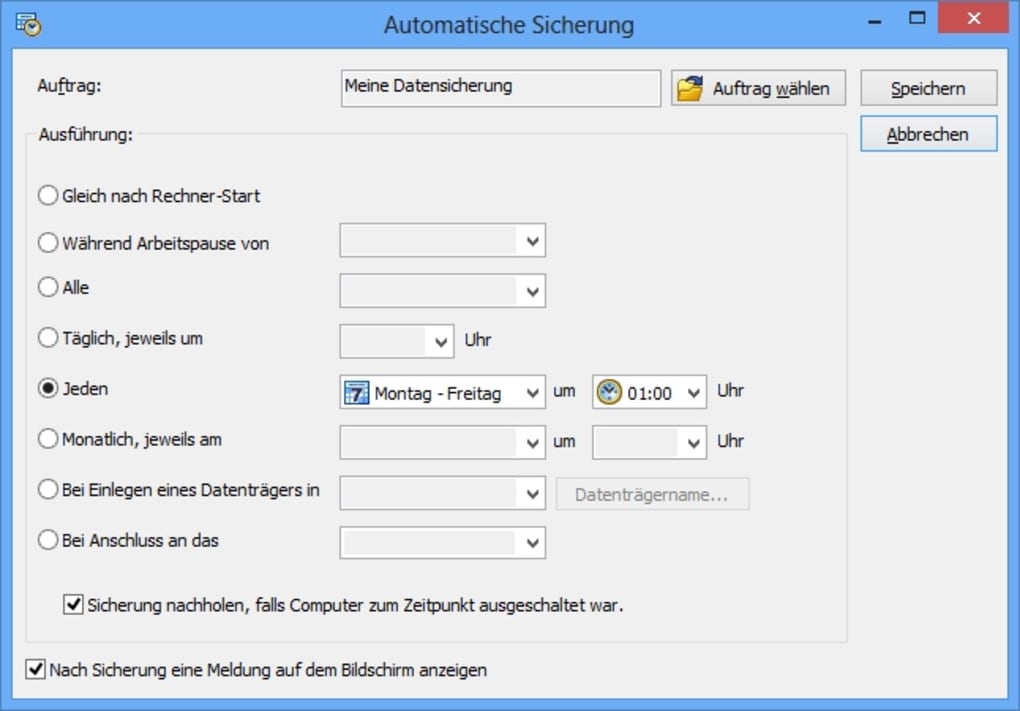
- Scheduling Engine: Automate backups with daily, weekly, or monthly schedules; set specific times to avoid work‑hour interruptions.
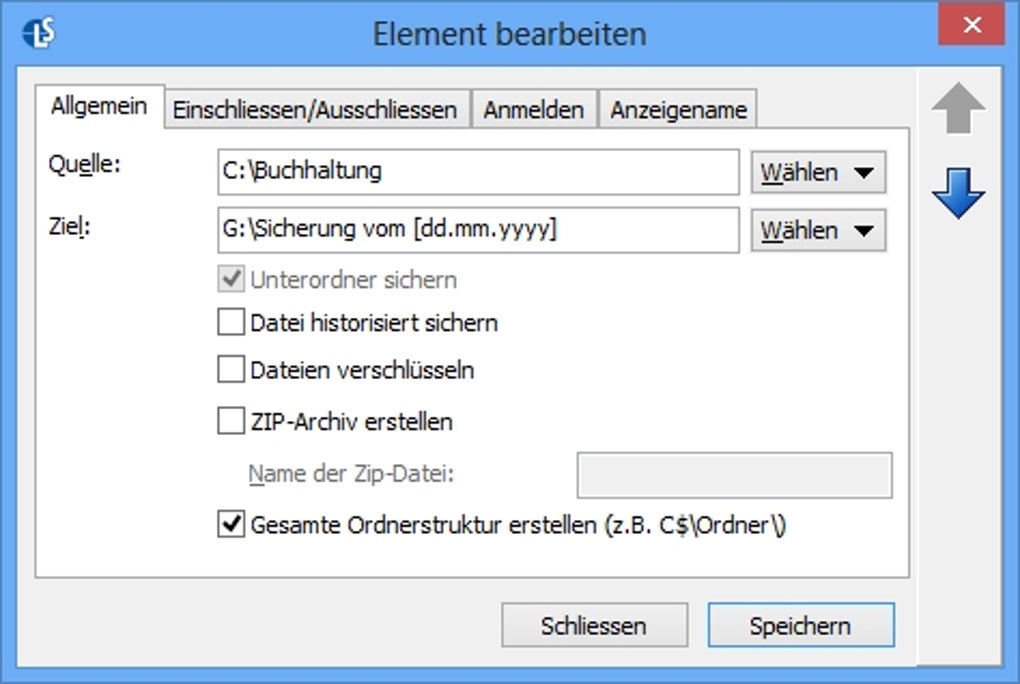
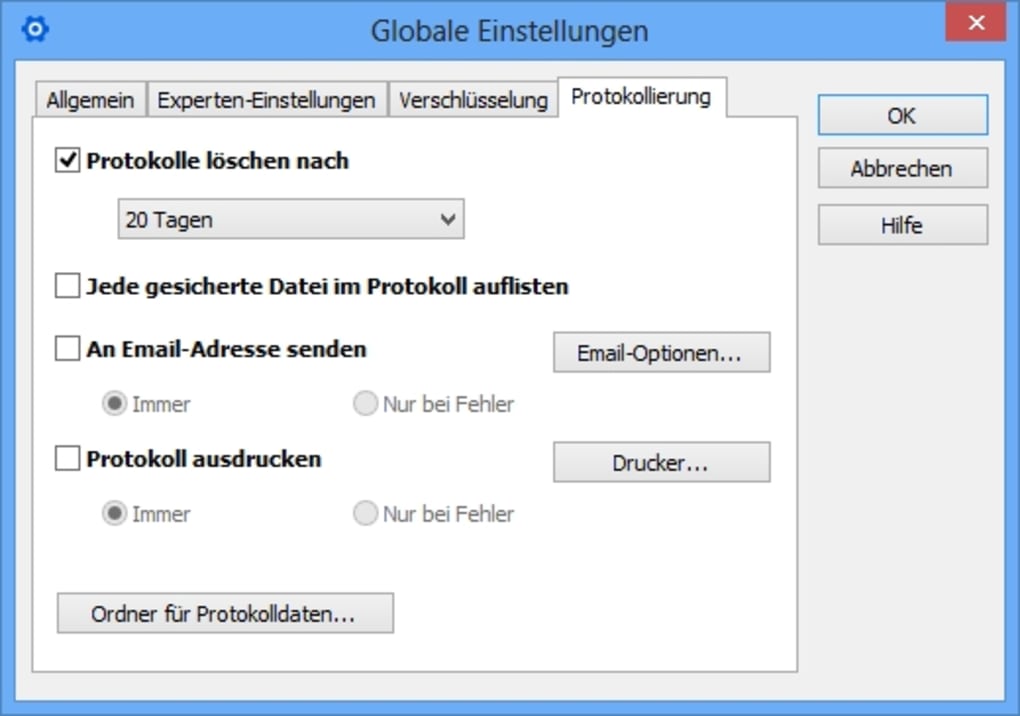
- Encryption & Compression: Protect sensitive data with AES‑256 encryption and reduce file size using ZIP compression.
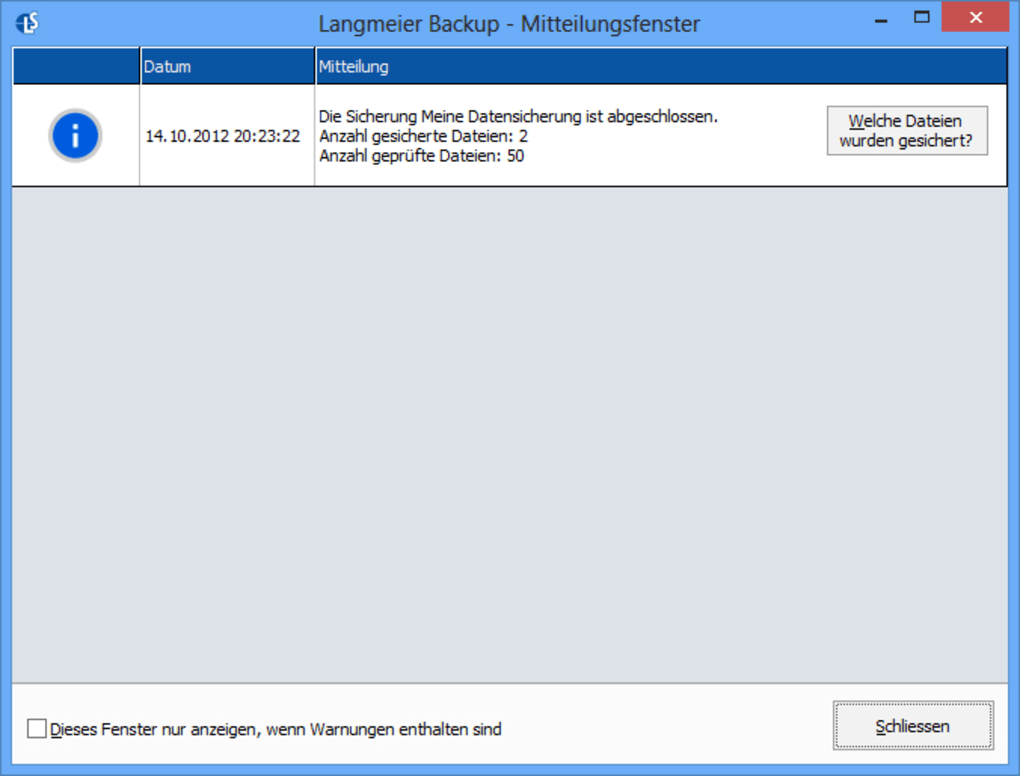
- Integrity Checking: Verify each backup set for corruption, ensuring you can restore when needed.
- Disk Space Calculator: Estimate required storage before a backup begins, preventing unexpected out‑of‑space errors.
- Automatic Shutdown: Configure the PC to shut down, hibernate, or sleep after a successful backup, saving energy.
- Clean‑Up Wizard: Identify and delete obsolete or duplicate files, keeping backup repositories tidy.
- User‑Friendly Setup Wizard: Step‑by‑step guidance makes configuration a breeze even for non‑technical users.
- Cross‑Platform Support: Available for both Windows (7/8/10/11) and macOS (10.13 and later).
Installation, Usage & Compatibility
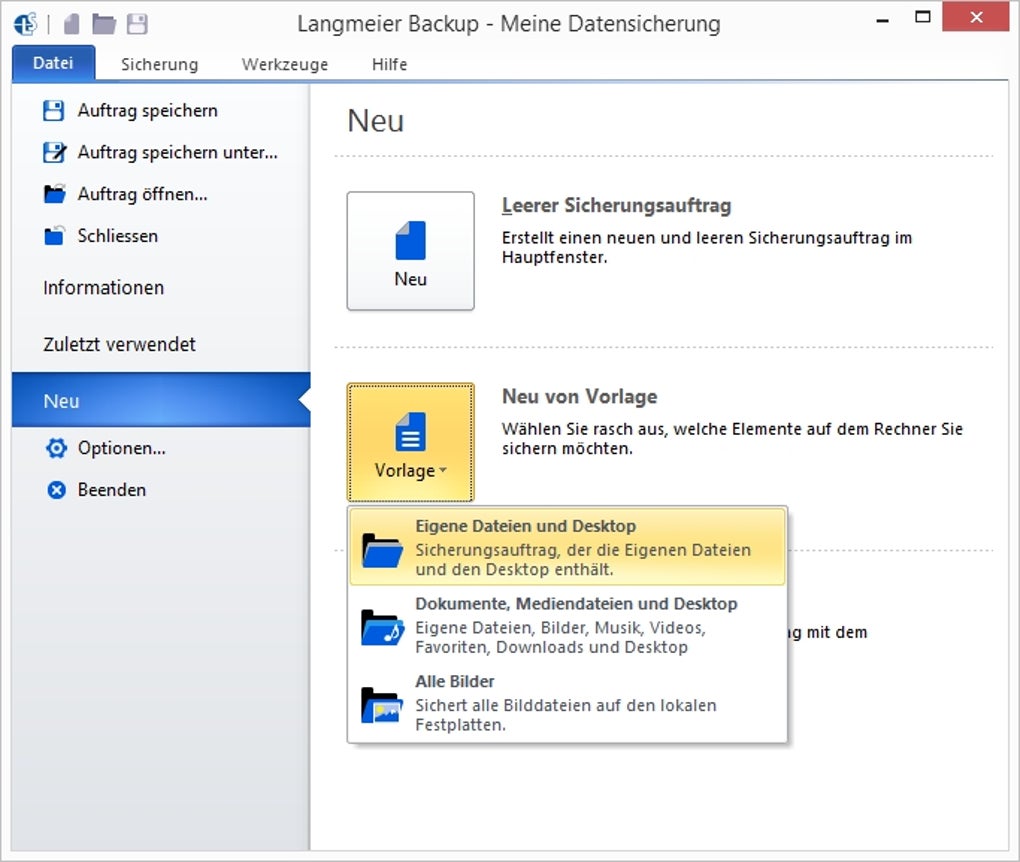
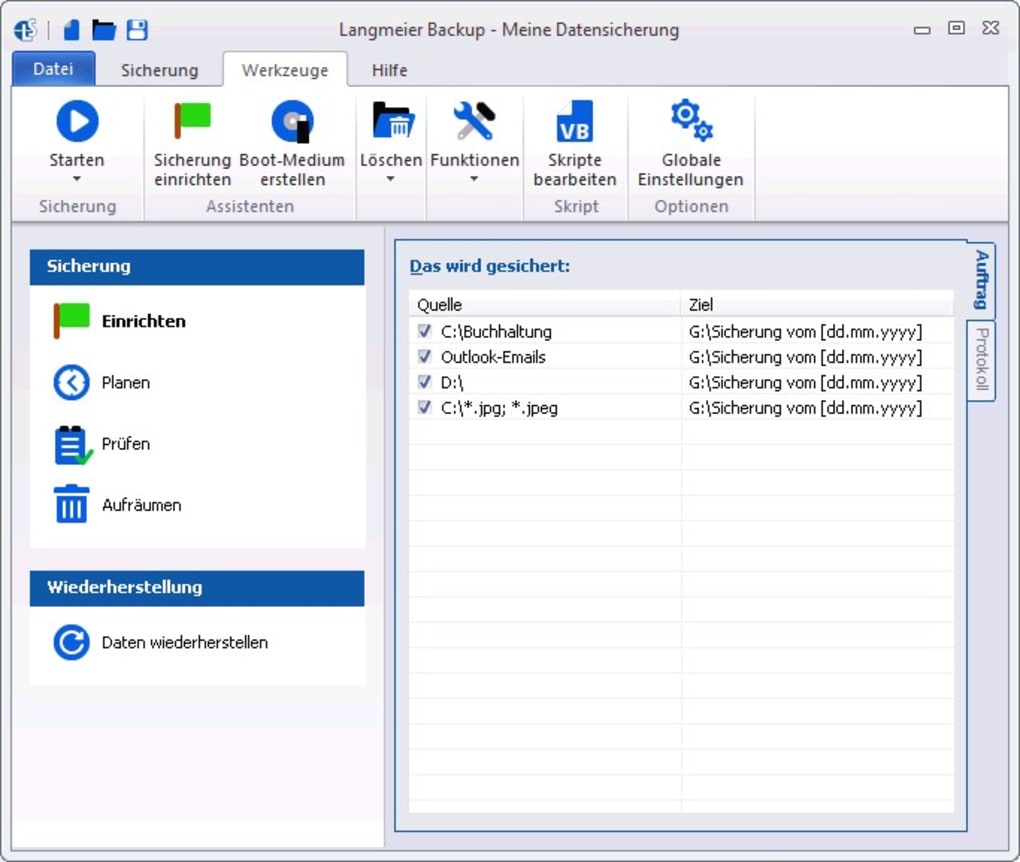
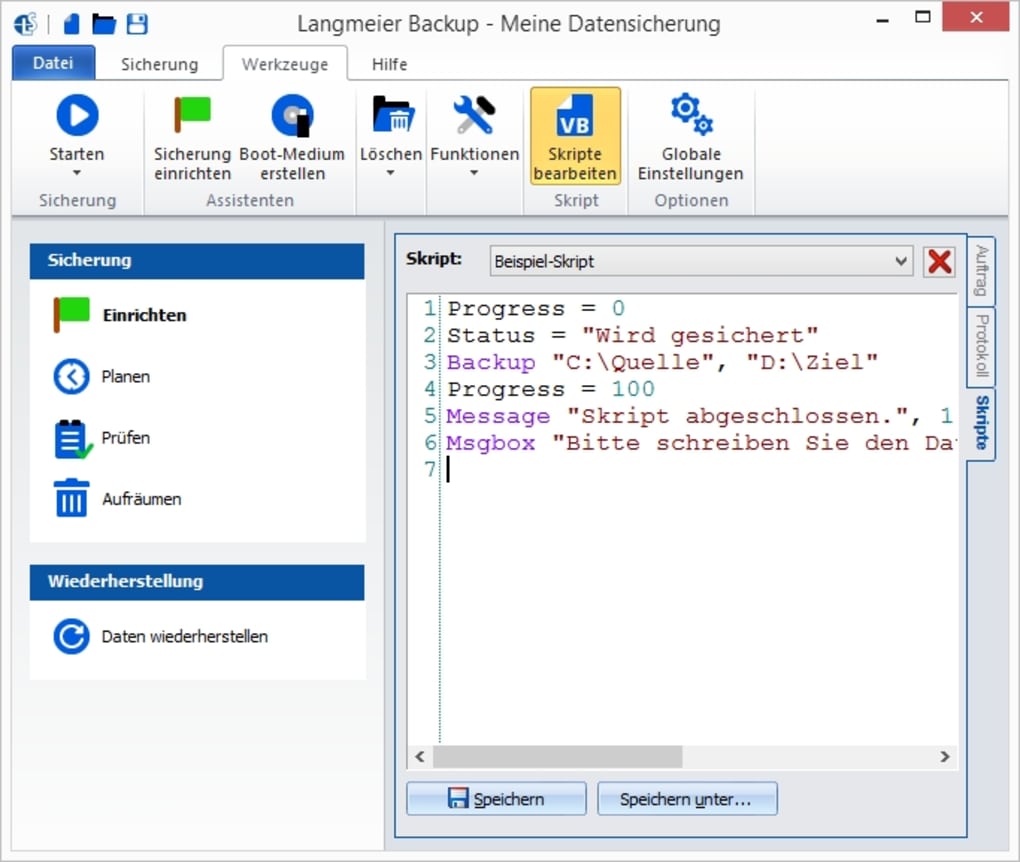
Installing Langmeier Backup is straightforward. Download the installer from the official website, then run the .exe (Windows) or .dmg (macOS) file. The setup wizard asks for administrative permission, after which it copies the core files to C:\Program Files\LangmeierBackup on Windows or /Applications/Langmeier Backup.app on macOS. Once installed, launch the application and you’ll be greeted by a clean dashboard that highlights three primary actions: Create New Backup, Manage Schedules, and View Reports. Clicking “Create New Backup” opens the backup setup wizard where you select source folders, choose a destination, and decide between a full or incremental backup. The wizard also lets you enable encryption, compression, and automatic shutdown with a few clicks.
Compatibility: Langmeier Backup runs on 64‑bit versions of Windows 7, 8, 10, and 11, as well as macOS Catalina (10.15) and later. The software requires at least 2 GB of RAM and 200 MB of free disk space for installation. It integrates with Windows Task Scheduler and macOS launchd for automated jobs, ensuring backups can run in the background without user interaction.
Pros
- Intuitive user interface suitable for beginners.
- Broad destination support, including cloud and optical media.
- Strong security with AES‑256 encryption.
- Flexible scheduling and automatic shutdown options.
- Built‑in integrity checking reduces risk of corrupted backups.
Cons
- No native support for Linux distributions.
- Cloud integration requires third‑party services; no proprietary cloud storage.
- Advanced reporting features are limited to the paid version.
- Initial full backup of large data sets may take considerable time.
- Interface, while clean, could benefit from more visual progress indicators.
Frequently Asked Questions & Final Verdict
Can I back up to multiple destinations at once?
Yes. After creating a backup set, you can add additional destinations in the “Advanced Settings” tab. Langmeier Backup will copy the same data to each selected location, providing redundancy without extra configuration.
Is the software truly free?
Langmeier Backup offers a free version with essential backup, scheduling, and encryption features. A premium license unlocks cloud connectors, detailed reporting, and priority support.
How does incremental backup work?
After the first full backup, the incremental mode tracks file changes using timestamps and hash checks. Only new or modified files are copied during subsequent runs, dramatically reducing backup time and storage usage.
Can I restore individual files without recreating the whole backup set?
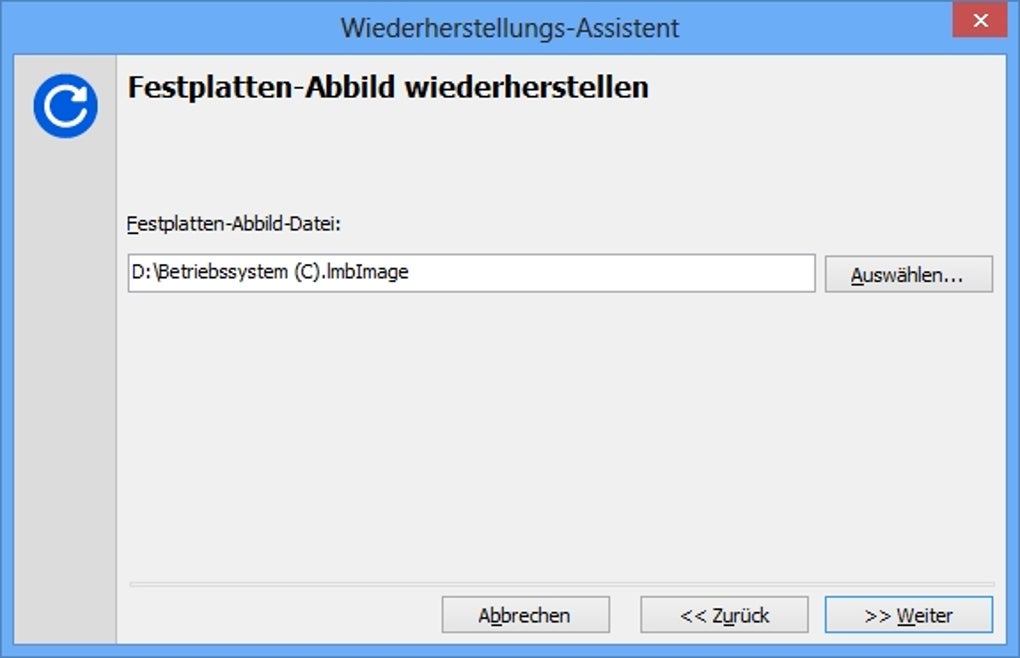
Absolutely. The “Browse Backups” view lets you navigate the backup tree and restore single files or folders with a right‑click, making selective recovery fast and painless.
Is my data encrypted during transfer to cloud services?
When you enable encryption, data is encrypted locally before it leaves your computer. This means the cloud service only receives ciphertext, preserving privacy end‑to‑end.
Conclusion & Call to Action: Langmeier Backup strikes a solid balance between simplicity and depth. Whether you’re a casual user who just wants to safeguard family photos or a small‑business manager needing scheduled, encrypted backups, the tool delivers a reliable, secure experience across Windows and macOS platforms. Its free tier is generous enough for everyday use, while the premium edition adds cloud connectors and advanced reporting for power users. Don’t wait for a data disaster—download Langmeier Backup today, set up your first backup in minutes, and enjoy peace of mind knowing your files are safe, encrypted, and always accessible.
Langmeier Backup offers an impressive feature set for a free tool, especially its encryption, scheduling, and multi‑destination support. The only drawbacks are the lack of native Linux support and limited cloud integration. Overall, it’s a strong contender for anyone looking for a hassle‑free backup solution.
Guides & Tutorials for Langmeier Backup
How to install Langmeier Backup
- Click the Preview / Download button above.
- Once redirected, accept the terms and click Install.
- Wait for the Langmeier Backup download to finish on your device.
How to use Langmeier Backup
This software is primarily used for its core features described above. Open the app after installation to explore its capabilities.
User Reviews for Langmeier Backup 0
No reviews found





